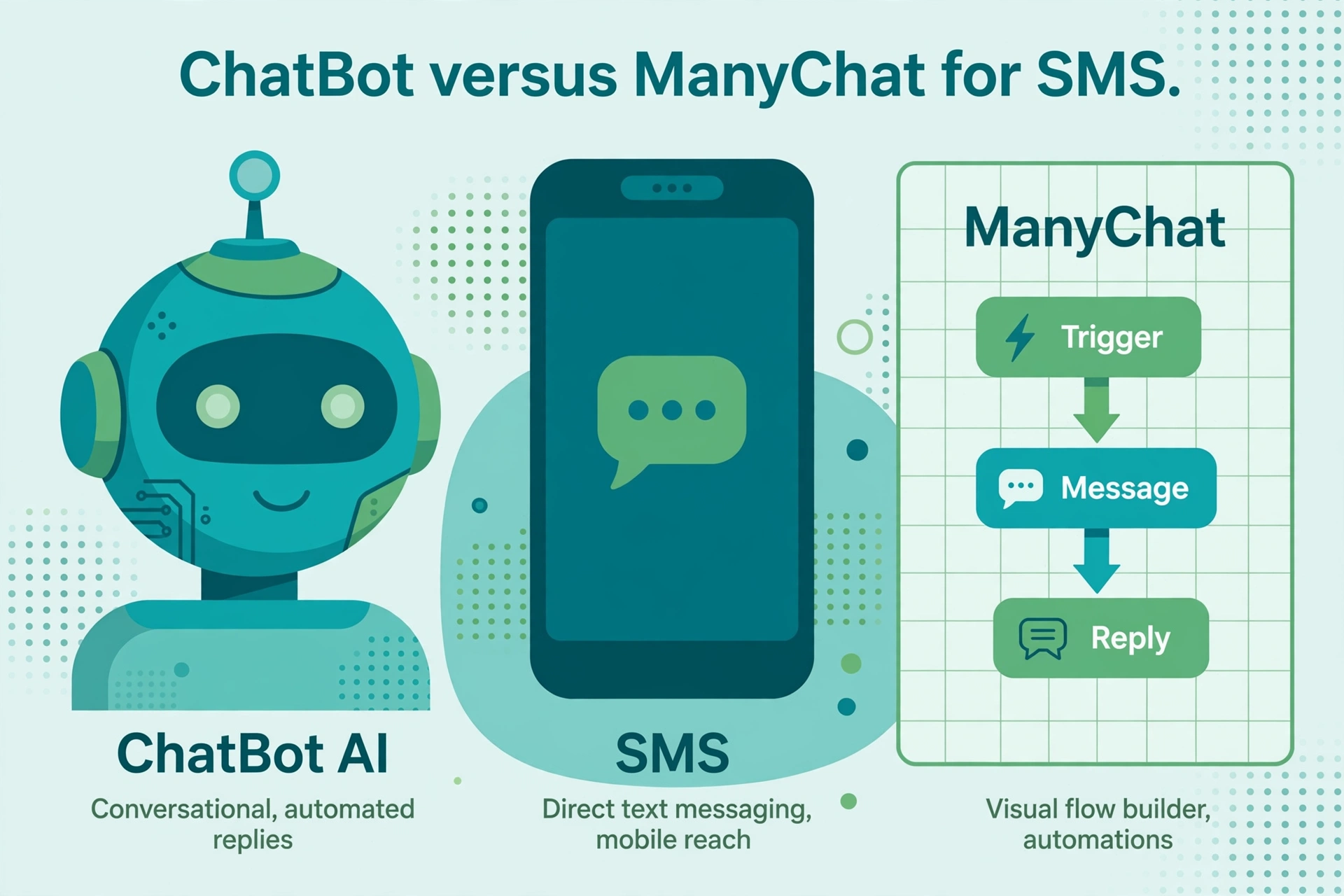
This is a genuinely interesting matchup because the two products represent opposite philosophies of what a chatbot is. ChatBot.com is AI-first: you train an AI agent on your knowledge, and it holds conversations. ManyChat is template-first: you build visual flows, branch by branch, and the bot follows your script. Both can end up talking to customers over SMS, but they get there by completely different roads.
Let us compare those roads honestly, including the fact that one of them reaches SMS natively and the other borrows the channel.
How each one does SMS
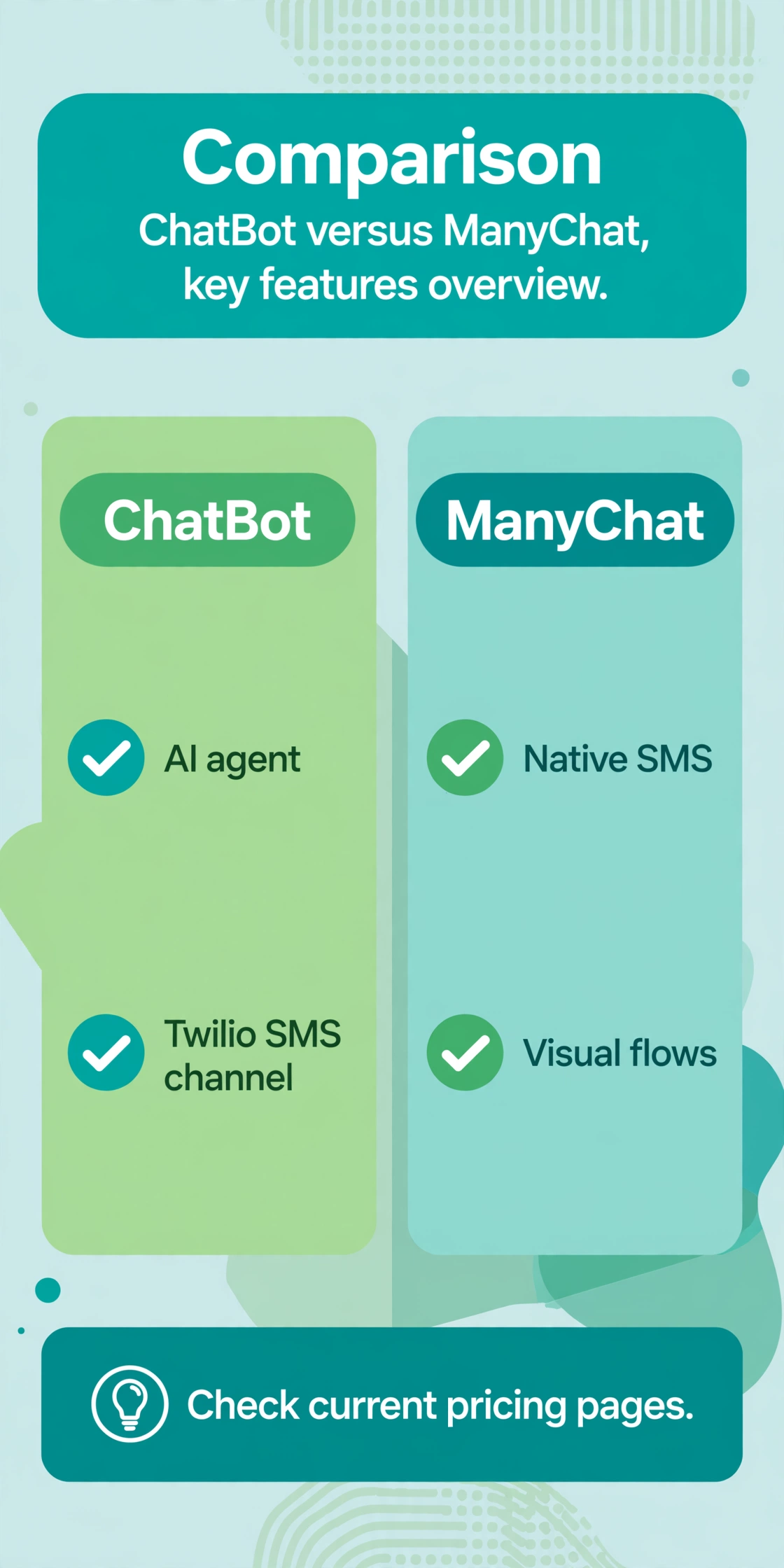
ManyChat has native SMS. It is a channel inside the flow builder on paid tiers: capture the phone number, capture consent, send messages, trigger on keywords, run sequences. Everything lives in one dashboard, and the per-message surcharges stack on top of your plan.
ChatBot.com reaches SMS through Twilio. In the LiveChat ecosystem, the Twilio SMS channel integrates with ChatBot, so the AI agent you trained can hold SMS conversations with customers, appearing to agents like any other chat marked with the customer’s phone number. It is a real integration, not a hack, but it is still two systems: ChatBot for the brain, Twilio for the pipe.
That architectural difference shapes everything. With ManyChat, the SMS channel and the bot logic are one product, one bill (plus surcharges), one place to debug. With ChatBot, you manage the AI training in ChatBot and the telephony in Twilio, including numbers, delivery, and 10DLC registration.
AI-first versus template-first
This is the heart of the comparison, so let us make it concrete.
ChatBot.com’s model is training, not drawing. You feed it your knowledge base, FAQs, and policies, and its natural language understanding handles the conversation. The pitch is that customers ask messy questions and the AI deals with them, getting smarter as you review its conversations. For support and information-heavy use cases, this is the modern approach: less scripting, more understanding.
ManyChat’s model is building, not training. The visual flow builder is the product: triggers, conditions, actions, keyword branches, all laid out on a canvas you control precisely. Its AI features (AI Steps, Flow Builder Assistant, a paid AI add-on) layer assistance on top, but the soul of the product is deterministic flows. For marketing funnels where every path is designed, this control is the point.
Over SMS, the difference matters more than on rich channels. SMS is plain text with no buttons or carousels. (ChatBot’s own integration docs note that rich messages like quick replies and carousels do not work in SMS, so stories must be designed text-only.) A template-first SMS bot leans on keyword triggers and short scripted paths, which works well for narrow flows like appointment confirmations. An AI-first SMS bot handles the customer who replies “actually can we do Thursday instead, and also is parking free,” which breaks a scripted flow but is Tuesday for a trained AI.
What each is best at
ChatBot.com is best at AI support and sales assistance over chat and SMS: the trained agent answering product questions, qualifying loosely, and handing off to humans in the LiveChat agent workspace. If your use case is “customers ask unpredictable questions and we want AI to handle them,” ChatBot’s training model fits. Our customer support guide describes the workload this replaces.
ManyChat is best at designed marketing automation across channels: comment-to-DM funnels, lead capture, broadcasts, drip sequences, and keyword campaigns, with SMS as one channel in a multichannel flow. If your use case is “we designed a funnel and want it executed precisely across Instagram, SMS, and email,” ManyChat’s builder fits. Our lead qualification guide shows the flow patterns.
The overlap zone is simple SMS autoresponders and FAQs, where both work fine. The divergence is at the edges: unpredictable conversations favor ChatBot’s AI, precise multichannel funnels favor ManyChat’s builder.
Pricing shape
ManyChat prices by active contacts per month, from a free tier at 25 contacts up through roughly $14 to $199 tiers, plus per-message SMS surcharges reported around $0.01 to $0.03. The AI add-on is reported around $29 per month. Confirm the current SMS tier before buying, since sources disagree on whether it unlocks at Pro or Business.
ChatBot.com’s current pricing should be checked directly at chatbot.com. Older third-party sources cited entry pricing around $52 per month scaling with usage, but those figures are from 2023 and the product has evolved since, including the LiveChat to Text company rebrand. Do not budget from old reviews. On top of ChatBot’s plan, budget Twilio’s SMS delivery: about $0.0083 per US segment plus carrier fees and $1.15 per month per number.
Total-cost-wise, ChatBot plus Twilio can be cheaper at high SMS volumes because Twilio’s per-message rates are low and ChatBot’s plan is not contact-metered the way ManyChat’s is. At low volumes, ManyChat’s bundled simplicity usually wins on total cost and on the absence of a second vendor to manage.
Ecosystem and lock-in
ChatBot.com lives in the Text (formerly LiveChat) ecosystem: LiveChat agents, HelpDesk, KnowledgeBase. If your support team already works there, ChatBot’s AI drops into a familiar workspace with shared conversation history. That ecosystem coherence is a real advantage for support-led teams.
ManyChat lives in the marketing stack: Shopify, Klaviyo, HubSpot, Zapier, social channels. If your growth runs on social content and email marketing, ManyChat plugs into the tools you already pay for.
Pick the ecosystem your team already inhabits. A chatbot is only as good as its integrations with the systems around it.
SMS design constraints both share
Whichever philosophy you choose, SMS imposes the same design discipline on both platforms.
Keep messages short. A single segment is 160 GSM characters, and every extra segment costs money and attention. Both ChatBot’s AI and ManyChat’s flows need message-length discipline, or your SMS bill quietly doubles.
Design for interruption. SMS conversations pause for hours and resume mid-thread. ChatBot’s AI handles this more gracefully because it reads the actual reply in context. ManyChat’s keyword flows need careful fallback branches for the customer who answers a three-day-old question.
Plan the handoff. Both platforms escalate to humans, but the handoff copy matters: tell the customer a person is joining, carry the conversation summary, and do not make them repeat themselves. Test this flow on a real phone before launch, because desktop previews lie about how SMS threads feel.
Compliance notes
Both paths need the same SMS compliance: express consent before marketing texts, instant STOP handling, quiet hours, 10DLC registration in the US. With ChatBot plus Twilio, make sure consent records and opt-out handling are consistent across both systems, since the AI training side and the telephony side are separate products. With ManyChat, the builder gives you consent and keyword blocks, but the legal responsibility is still yours. General information, not legal advice; our opt-out keyword guide covers the mechanics.
Who should pick which
Pick ChatBot.com if you want an AI agent that handles unpredictable customer questions over SMS and chat, your team works in the LiveChat/Text ecosystem, and you are comfortable managing Twilio for the messaging pipe. It is the AI-first choice.
Pick ManyChat if you want precise control over designed flows, SMS is one channel in a multichannel marketing strategy, marketers need to own the builder without developers, and you prefer one platform over a ChatBot plus Twilio stack. It is the template-first choice.
FAQ
Does ChatBot.com support SMS?
Yes, through its Twilio SMS integration in the LiveChat ecosystem. The AI agent can hold SMS conversations, but rich message types like quick replies and carousels do not work over SMS.
Does ManyChat support SMS?
Yes, natively, on paid tiers. SMS steps, keyword triggers, and sequences are built directly in the flow builder, with per-message surcharges on top of the plan.
Which is better for AI chatbots on SMS?
ChatBot.com is the more AI-native product: trained agents that handle unscripted questions. ManyChat is flow-first with AI assistance layered on. For unpredictable SMS conversations, ChatBot’s model fits better.
Which is cheaper for high SMS volume?
Often ChatBot plus Twilio, because Twilio’s per-message rates are low and ChatBot is not contact-metered like ManyChat. At low volumes, ManyChat’s bundled approach is usually simpler and cheaper overall. Model your volume on current pricing pages.
Can I use ChatBot.com without LiveChat?
ChatBot is part of the Text ecosystem and integrates most deeply there, including the agent handoff workspace. Check the current product packaging at chatbot.com for standalone options.
Which is easier for non-technical teams?
ManyChat’s visual builder is the more approachable tool for marketers. ChatBot’s training model is also no-code, but managing the Twilio side adds technical overhead that ManyChat does not have.
The bottom line
ChatBot.com versus ManyChat for SMS is AI-first versus template-first. Choose ChatBot when the job is handling unpredictable human questions with a trained AI over SMS and chat, and you are comfortable with a Twilio-backed stack. Choose ManyChat when the job is executing designed multichannel funnels with SMS as one precise channel, owned by marketers. The wrong choice is picking the AI-first tool for a rigid funnel, or the template-first tool for freeform conversation. Match the philosophy to the job.
Want this set up for you?
I build SMS chatbots and API integrations for businesses. If you would like what this guide describes, done for you, get in touch.