If you want texting that just works, without developers, without flow builders, without a marketing automation degree, you end up looking at SimpleTexting and SlickText. They are the two most established names in purpose-built SMS marketing for non-technical teams, and they overlap a lot: mass texting, keywords, autoresponders, drip campaigns, MMS, integrations.
So the real question is not which one texts. Both text. The question is which one’s autoresponder model, keyword system, and pricing shape fit the way your team actually works. Let us compare on exactly that.
What “autoresponder” means here
Quick definition so we are talking about the same thing. An SMS autoresponder is an automatic reply triggered by an incoming text: a keyword like JOIN, a question, or any message at all. The simple version replies once (“Thanks for joining, here is your coupon”). The serious version starts a drip sequence: message one now, message two in three days, message three next week, with branches based on replies.
Both platforms do the simple version easily. They differ on the serious version: how deep the drip logic goes, how keywords are managed, and what it costs as you scale.
Keyword depth: the heart of the comparison
Keywords are how non-technical teams run SMS programs: print “Text PIZZA to 12345” on a flyer, and the autoresponder does the rest.
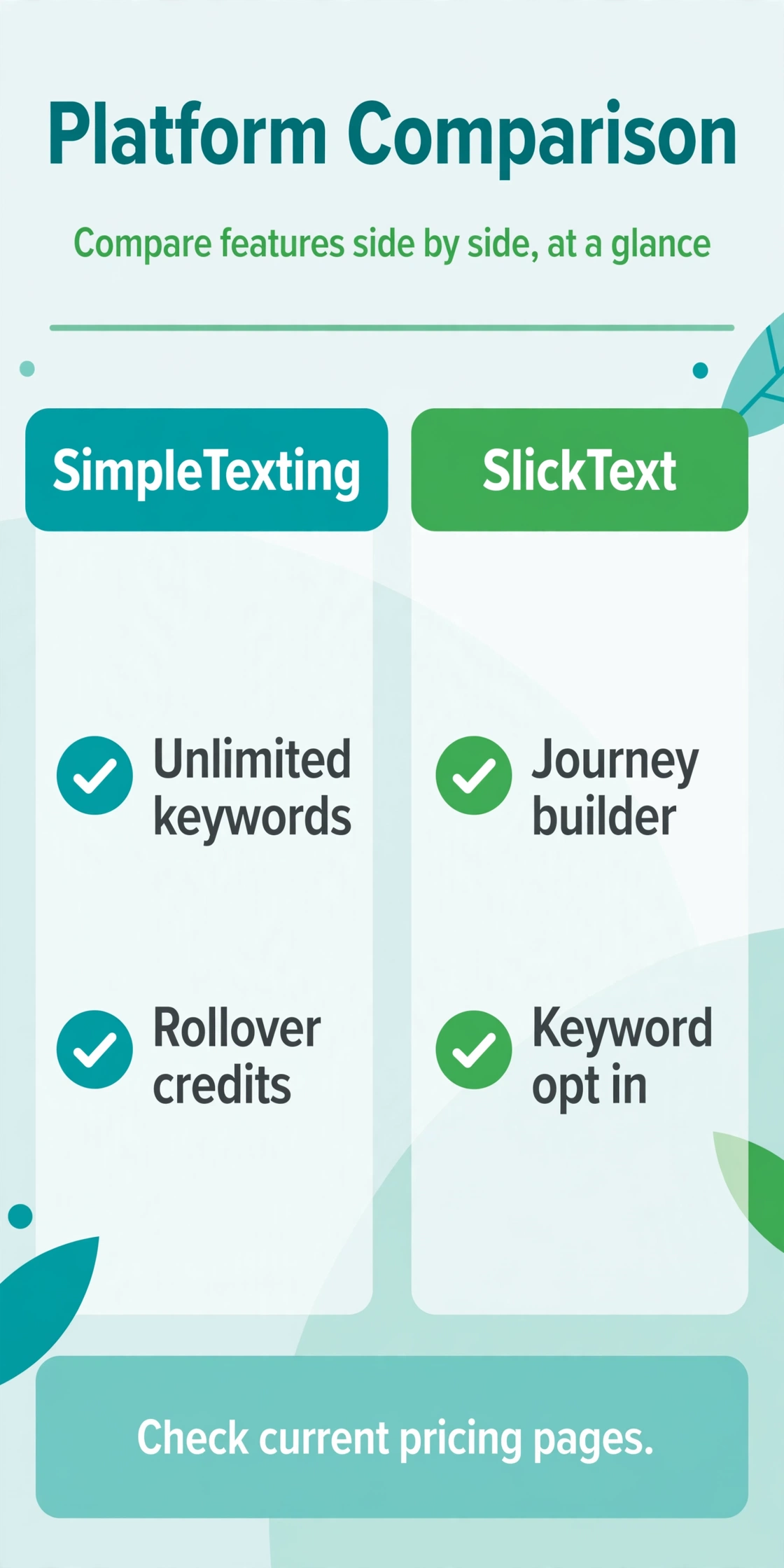
SimpleTexting includes unlimited keywords on all plans. That is a genuine differentiator at the entry level. A restaurant group can run a keyword per location, a church can run one per ministry, an event organizer one per event, without counting or upgrading. Keywords feed into list segments, trigger autoresponders, and work with the two-way inbox for manual follow-up.
SlickText is famous for its keyword and list-growth tooling. Its platform has long been the reference for keyword opt-ins: pop-ups, QR codes, and keyword campaigns with double opt-in flows built in. Reviewers consistently praise the list-building experience. Where SlickText pulls ahead is what happens after the keyword: its journey builder supports multi-branch sequences, so the autoresponder can branch on replies, delays, and conditions rather than just firing a fixed drip.
The honest summary: SimpleTexting wins on keyword quantity and simplicity (unlimited keywords, easy setup). SlickText wins on keyword sophistication (better growth tools, deeper branching journeys). If your program is “one keyword per campaign with a simple reply,” SimpleTexting’s unlimited keywords are the better deal. If it is “keyword starts a branching nurture journey,” SlickText’s builder earns its keep.
Drip sequences and automation
SimpleTexting offers drip campaigns and behavior-based triggers with genuinely intuitive workflows, per third-party 2026 reviews. You can schedule sequences, segment by behavior, and run the standard playbooks: welcome series, abandoned cart nudges, event reminders. The ceiling is moderate: it is automation for marketers, not a visual journey canvas for complex branching.
SlickText’s journey builder is the deeper tool: multi-branch journeys with conditional logic, which suits teams running sophisticated nurture tracks. Combined with its analytics, it is the stronger platform for marketers who think in funnels and want to see drop-off at each step.
Neither is a bot builder in the ManyChat sense. If you need freeform AI conversation over SMS, these are not the tools. They are autoresponder and campaign platforms, and they are excellent at that specific job. Our double opt-in guide shows the consent patterns both handle well.
MMS and message costs
Both platforms use credit-based pricing, and MMS costs more than SMS on both. SimpleTexting bills MMS at 3 credits per message, so a picture message campaign burns through credits three times faster. SlickText similarly consumes more credits for long messages and MMS. If your autoresponders include images (coupons, flyers, menus), model the MMS multiplier explicitly or it will surprise you.
Both offer rollover credits, which is a bigger deal than it sounds. Unused credits carrying into the next billing period means seasonal businesses (event organizers, retailers, restaurants) do not pay for quiet months twice. SlickText is specifically praised for credits that roll over instead of expiring, and SimpleTexting offers rollover as well.
Entry pricing from 2026 third-party sources: SimpleTexting from $29 per month billed annually or $39 month-to-month for 500 credits; SlickText from $29 per month for 500 credits. Sources conflict slightly on SimpleTexting’s entry figure, so check both current pricing pages. At scale, compare the credit cost per message including the MMS multiplier, not just the plan sticker price.
Ease of use for non-technical teams
This is the category both products were built for, and both deliver. SimpleTexting’s whole pitch is in the name: straightforward texting with no learning curve, a mobile app for managing campaigns on the go, and onboarding that small teams can complete without help. Reviewers call out the intuitive workflows and the ready list-growth tools.
SlickText matches on ease of use with an intuitive campaign builder, and its support team gets specific praise for fast, hands-on help. For a team that will lean on support during setup, that reputation matters.
The practical difference is small. If your team has never run SMS before, either onboarding will feel fine. Pick based on the automation depth you need, not on a marginal ease-of-use gap.
Coverage and limitations
SimpleTexting covers the US and Canada only, per 2026 sources. If you need international texting, look elsewhere. It is also SMS-only: no email, no push, no WhatsApp. That focus is the product’s strength and its boundary.
SlickText is similarly North America-focused (40,000+ customers in North America per its descriptions) and SMS-centric. Note that RCS messaging on SlickText requires a separate setup fee, so factor that in if rich messaging is on your roadmap.
Both platforms include compliance-friendly features like opt-in management and keyword-based opt-outs, which matter enormously. But neither makes you compliant by itself: express consent, STOP/HELP handling, and quiet hours are still your responsibility. Our STOP and HELP keyword guide is the quick version. General information, not legal advice.
Deliverability and compliance tooling compared
Both platforms handle the table stakes: opt-in list management, automatic STOP processing, and HELP replies. The differences are in the details that matter at scale.
SimpleTexting’s compliance story is simplicity itself: clear opt-in records, list-level controls, and straightforward reporting that a non-technical owner can understand during an audit. Its integrations with Shopify, HubSpot, and Salesforce mean consent captured elsewhere can flow into the text list without manual imports, which is where consent records usually go stale.
SlickText leans harder into compliance guidance as a feature: built-in double opt-in flows, detailed reporting, and a support team known for walking customers through carrier requirements. For teams in regulated or complaint-prone industries, that hand-holding has real value. Its analytics also make it easier to spot problems early, like a keyword campaign with an unusual opt-out spike.
Neither platform exempts you from the underlying rules. Express written consent before marketing texts, working opt-outs, quiet hours observance, and 10DLC registration for US messaging all still apply, and the legal responsibility sits with you as the sender. Treat the platform’s tools as infrastructure for compliance, not a substitute for it.
Who should pick which
Pick SimpleTexting if you want unlimited keywords on every plan, the simplest possible operation, a mobile app for on-the-go management, and US/Canada coverage. It is the “SMS without the complexity” choice, and the unlimited keywords make it especially good for multi-location or multi-campaign teams.
Pick SlickText if you want deeper journey building with multi-branch logic, the best-regarded keyword list-growth tooling, rollover credits, and hands-on support. It is the choice for marketing teams running SMS as a serious nurture channel rather than a notification utility.
FAQ
Which is better for SMS autoresponders, SimpleTexting or SlickText?
For simple keyword-triggered replies, both are excellent and SimpleTexting’s unlimited keywords are a plus. For branching drip journeys with conditional logic, SlickText’s journey builder is deeper.
How many keywords do I get?
SimpleTexting includes unlimited keywords on all plans. SlickText’s keyword allowances vary by plan, so check the current pricing page for your tier.
How much does MMS cost on each?
Both use credit systems where MMS costs multiple credits: SimpleTexting bills MMS at 3 credits per message. Model image campaigns with the multiplier included.
Do unused credits expire?
Both offer rollover credits that carry unused messages into the next billing period, which helps seasonal businesses. Confirm the current rollover terms on each pricing page.
Can non-technical teams run these?
Yes. That is the core market for both. Expect intuitive builders, templates, and onboarding without developers. SlickText’s support team is particularly well reviewed for hands-on help.
Which is cheaper?
Entry pricing is close: around $29 per month for 500 credits on both (SimpleTexting’s month-to-month is cited at $39). Compare credit costs at your actual volume including MMS multipliers, and check current pricing pages since figures shift.
The bottom line
SimpleTexting versus SlickText is a genuinely close call, which is why both have thrived for years. SimpleTexting wins on simplicity and unlimited keywords. SlickText wins on journey depth and list-growth tooling. For a straightforward autoresponder program, pick SimpleTexting and pocket the simplicity. For SMS as a nurture channel with branching logic, pick SlickText and use the journey builder properly. Either way, you are getting a platform built for non-technical teams, which is exactly what this category should be.
Want this set up for you?
I build SMS chatbots and API integrations for businesses. If you would like what this guide describes, done for you, get in touch.