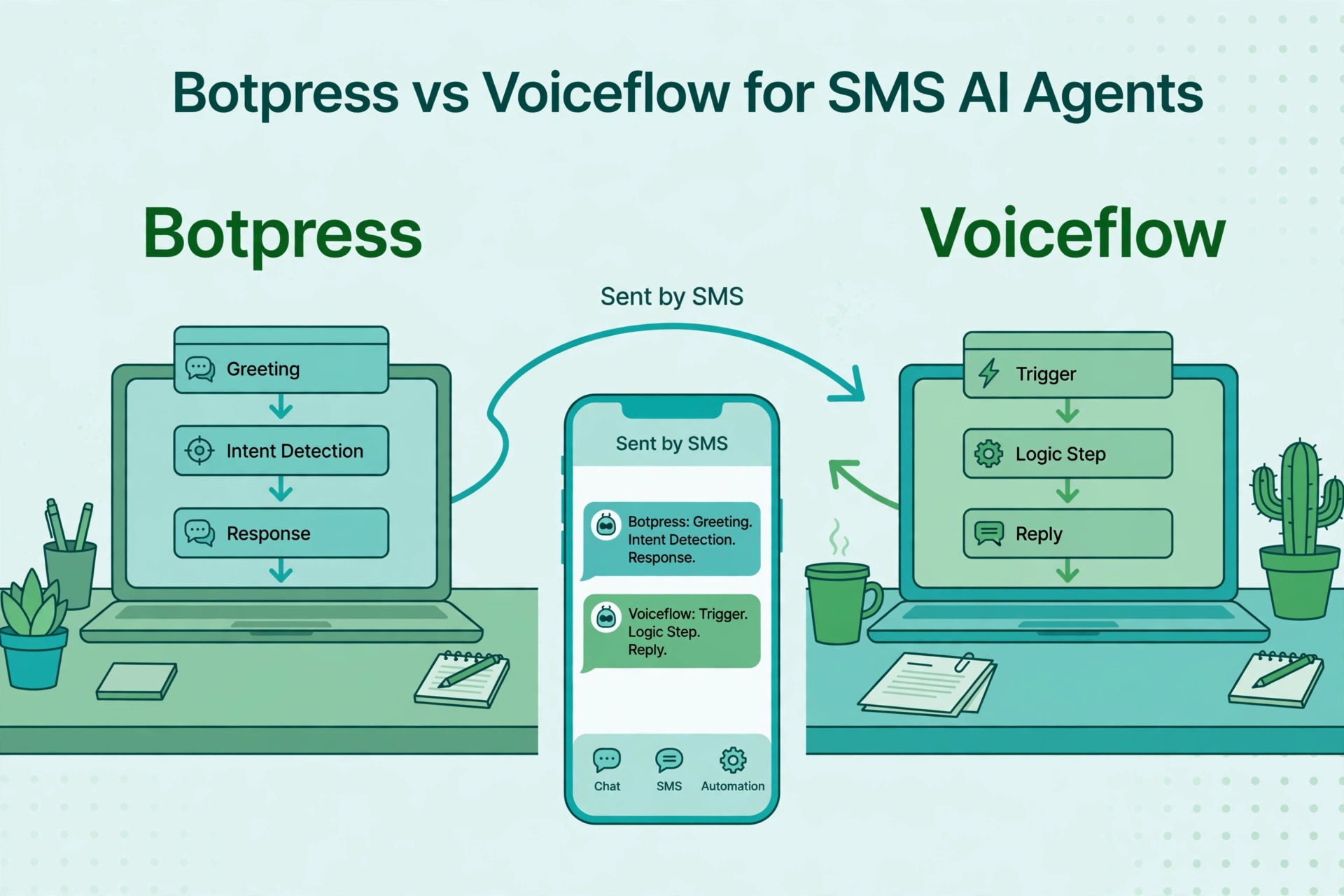
If you are a developer or a technical team choosing where to build an AI agent that lives on SMS, Botpress and Voiceflow are the two names that come up most. They look similar from a distance: visual builders, LLM-powered agents, multi-channel deployment. Up close, they have different philosophies about who is in charge: the designer or the developer.
One thing to establish first: neither platform is a telecom. Both reach SMS through Twilio. You bring a Twilio number, wire the SMS channel, and the agent you built in either studio starts having text conversations. So this comparison is really about the agent-building experience, the deployment model, and the cost structure, with SMS as the destination channel.
The core philosophy split
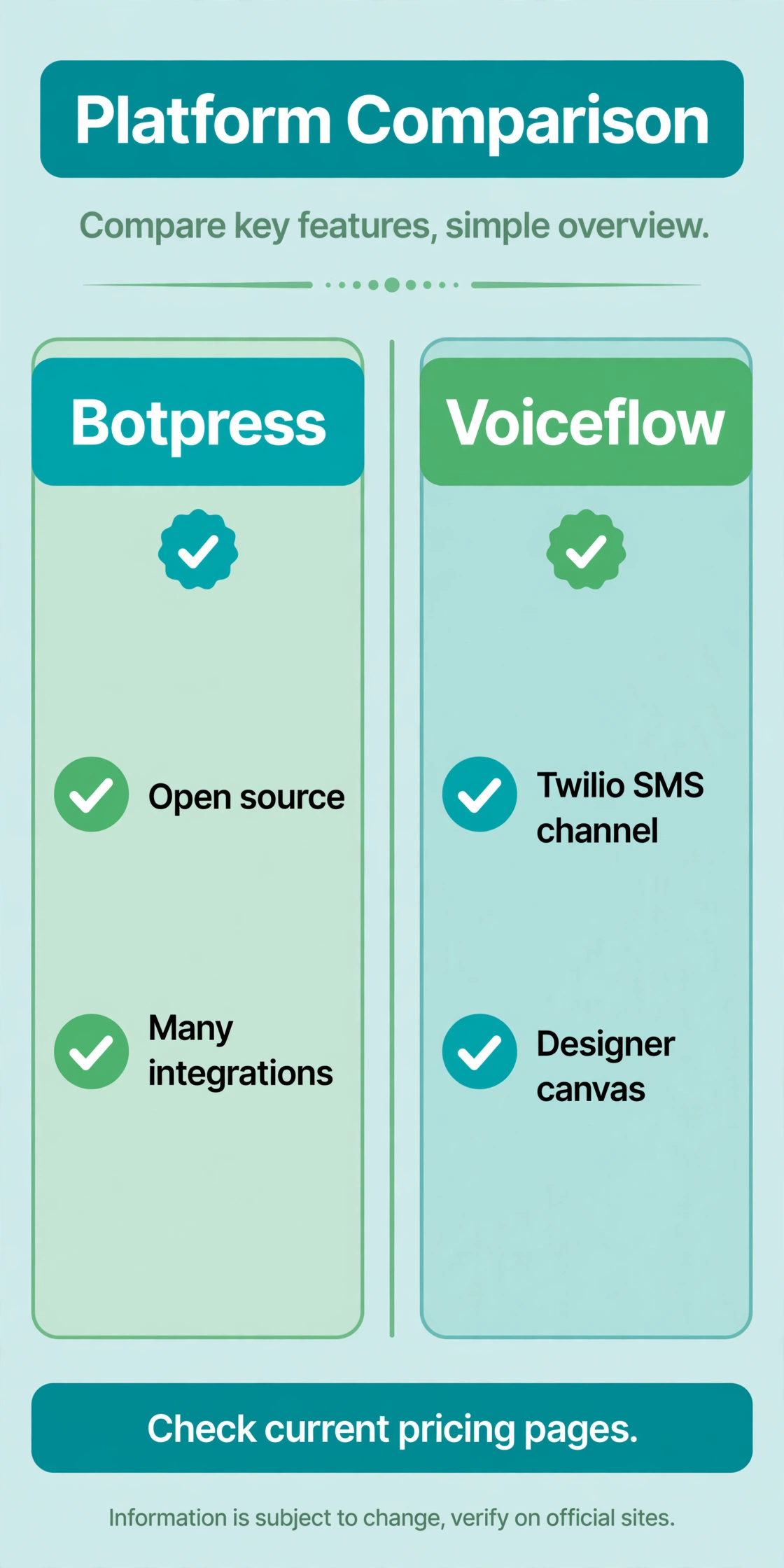
Botpress is the developer’s agent platform. It is open-source at its core, LLM-agnostic (use OpenAI, Anthropic, Mistral, or your own models), and built around the idea that there should be no technical ceiling. You get a visual Studio builder for the conversation design, plus full API and SDK access, custom code execution, and 190+ pre-built integrations. The pitch: prototype visually, then go as deep as you need with code.
Voiceflow is the designer’s agent platform. It started in voice interface design (Alexa skills, Google Assistant) and grew into a polished canvas for conversational AI across chat, voice, and messaging. The experience is optimized for conversation designers and product teams: beautiful prototyping, easy stakeholder demos, and deployment to channels including Twilio SMS, WhatsApp, and web. The pitch: design great conversations fast, with enough technical depth for production.
The practical difference: Botpress assumes someone on the team can code and wants the freedom. Voiceflow assumes the team wants the best design tool and will reach for code only when needed. Both can ship a production SMS agent. They just feel different to build in.
Deploying one agent to SMS
Here is how the SMS story works on each.
On Voiceflow, Twilio SMS is a supported channel integration. You design the agent on the canvas, connect your Twilio number, and deploy. Voiceflow’s heritage in turn-based conversation design shows here: SMS is a turn-based, text-only channel, and Voiceflow’s canvas maps to it naturally. Prompts, API steps, and conditional logic all work over SMS, with the obvious constraint that rich UI elements do not transfer. Voiceflow also supports voice deployment through Twilio and Vonage, which matters if your roadmap includes “the same agent, but on phone calls later.”
On Botpress, Twilio connects through its integration library. You build the agent in Studio, add the Twilio integration for the SMS channel, and deploy. Because Botpress is API-first underneath, the SMS channel is one surface among many for the same agent logic, and you can extend it with custom code when the channel needs something special. Botpress also emphasizes autonomous agents: multi-step reasoning, tool use, and API actions orchestrated by the LLM rather than hand-drawn decision trees.
For the specific goal in our title, deploying one AI agent to SMS with memory, API actions, and escalation, both qualify. The differentiators are in the details below.
Memory and context over SMS
SMS conversations are weird. They stretch over hours or days, customers reply out of order, and context decays. An SMS AI agent needs memory that survives all of that.
Botpress approaches this with its autonomous engine and flexible data layer: conversation state, user attributes, and custom memory you manage through code and the Studio. Because you can drop into JavaScript, you can implement exactly the memory model your use case needs: short-term context windows, long-term user profiles in your database, summaries of past conversations injected into prompts.
Voiceflow handles state through its canvas variables and context management, which covers most production needs without code: remember the order number from three messages ago, carry the customer’s name across sessions, branch on stored values. For exotic memory architectures you will hit the canvas’s edges sooner than with Botpress.
Honest take: for 90% of SMS agents, both memory models are fine. The 10% that needs custom memory design is where Botpress’s code access pays off.
API actions: doing things, not just talking
An SMS agent that can only talk is a FAQ bot. An SMS agent that can act is a product.
Both platforms support API calls mid-conversation: look up an order, check an appointment slot, create a ticket, trigger a refund flow. Botpress lists this among its strengths with 190+ pre-built integrations (Zendesk, Slack, CRMs) plus custom code for anything else. Voiceflow supports API steps on the canvas and custom code blocks, with a smaller catalog of direct integrations and Zapier for the long tail.
If your SMS agent needs deep integration with internal systems, evaluate the specific integrations each one offers for your stack, not the headline count. A catalog of 190 integrations is only useful if yours is in it. For custom internal APIs, both handle REST calls; Botpress gives you more room to maneuver when the API is awkward.
Escalation to humans
SMS escalation has to be graceful. The customer is on a slow, text-only channel, possibly frustrated, and the handoff needs to carry full context.
Botpress includes native live chat and direct Zendesk integration on its Plus plan and above, and its usage-based model means adding human agents does not add per-seat cost. That last point is quietly significant: many platforms tax you per agent seat, which discourages generous human backup. Botpress’s model removes that disincentive.
Voiceflow’s handoff story is more integration-dependent: hand off through connected systems rather than a built-in agent workspace. For teams that already have a helpdesk, this is fine; the agent escalates into Zendesk or your existing tooling. For teams that need the agent platform to also be the human workspace, Botpress’s native live chat is the simpler story.
Pricing shape
Both have free plans for testing: Botpress’s free tier includes AI credits so you can test without bringing your own LLM keys, and Voiceflow’s free tier includes credits and a couple of agents.
Paid pricing diverges in philosophy. Botpress is usage-based: you pay for AI usage (conversations and messages), not seats. Its listed plans run from a free tier through Plus at $89, Team at $495, Managed at $1,495, to custom enterprise, per Botpress’s own published comparison. No per-seat cost means your support team can grow without the bot bill growing.
Voiceflow is credit-based with tiers: credits consumed by agent interactions, with plan levels unlocking features. Third-party sources note that meaningful features start around $50 per month. Credit systems reward efficient prompt design and punish verbose agents, so your actual cost depends on how chatty your agent is.
On top of either platform, budget Twilio’s SMS costs separately: about $0.0083 per US segment plus carrier fees, plus $1.15 per month per number. Neither platform includes message delivery. Model it with our bulk SMS cost calculator.
Which should you choose?
Choose Botpress if your team has developers, you want LLM flexibility (including switching providers or self-hosting), you need custom memory or deep custom integrations, or you like usage-based pricing without per-seat taxes. It is the higher-ceiling platform.
Choose Voiceflow if your team is designer-led, conversation quality and prototyping speed are the priorities, Twilio SMS plus possible voice deployment covers your roadmap, and you prefer a polished canvas over code access. It is the faster path to a well-designed agent.
Either way, the SMS channel will behave the same once deployed: plain text, turn-based, slow. Invest your evaluation time in the agent’s reasoning quality and escalation behavior, not in channel checkboxes, because the channel is Twilio either way.
FAQ
Can Botpress send SMS?
Yes, through its Twilio integration. You build the agent in Botpress Studio and connect a Twilio number as the SMS channel. Message delivery is billed by Twilio separately.
Can Voiceflow send SMS?
Yes, through its Twilio SMS channel integration. Design the agent on the Voiceflow canvas, connect Twilio, and deploy to SMS.
Which is better for a custom AI SMS agent with memory?
Botpress has the higher ceiling: full code access, custom memory architectures, and any LLM you want. Voiceflow covers standard memory and context needs through its canvas without code. Most use cases fit either; exotic requirements favor Botpress.
Do I still need Twilio with either platform?
Yes. Neither includes SMS delivery. You need a Twilio account, a phone number, and 10DLC registration for US messaging, plus budget for per-message costs.
Which is cheaper?
It depends on usage patterns. Botpress’s usage-based pricing with no seat costs favors teams with many human agents. Voiceflow’s credit system favors efficient, concise agents. Both offer free tiers for testing. Price your expected conversation volume on current pricing pages.
Can the agent escalate to a human over SMS?
Yes on both. Botpress offers native live chat and Zendesk integration on paid plans; Voiceflow hands off through integrated helpdesk systems. Test the handoff with full conversation context before committing.
The bottom line
Botpress versus Voiceflow for SMS AI agents is a builder-philosophy choice, not a channel choice, since both deploy to SMS through Twilio. Developers who want no ceiling, LLM freedom, and code-level control should pick Botpress. Designer-led teams who want the best canvas and fastest path to a polished agent should pick Voiceflow. Pilot the same SMS use case on both, and judge on reasoning quality, memory behavior across slow SMS threads, and escalation grace, because those decide whether your agent survives contact with real customers.
Want this set up for you?
I build SMS chatbots and API integrations for businesses. If you would like what this guide describes, done for you, get in touch.