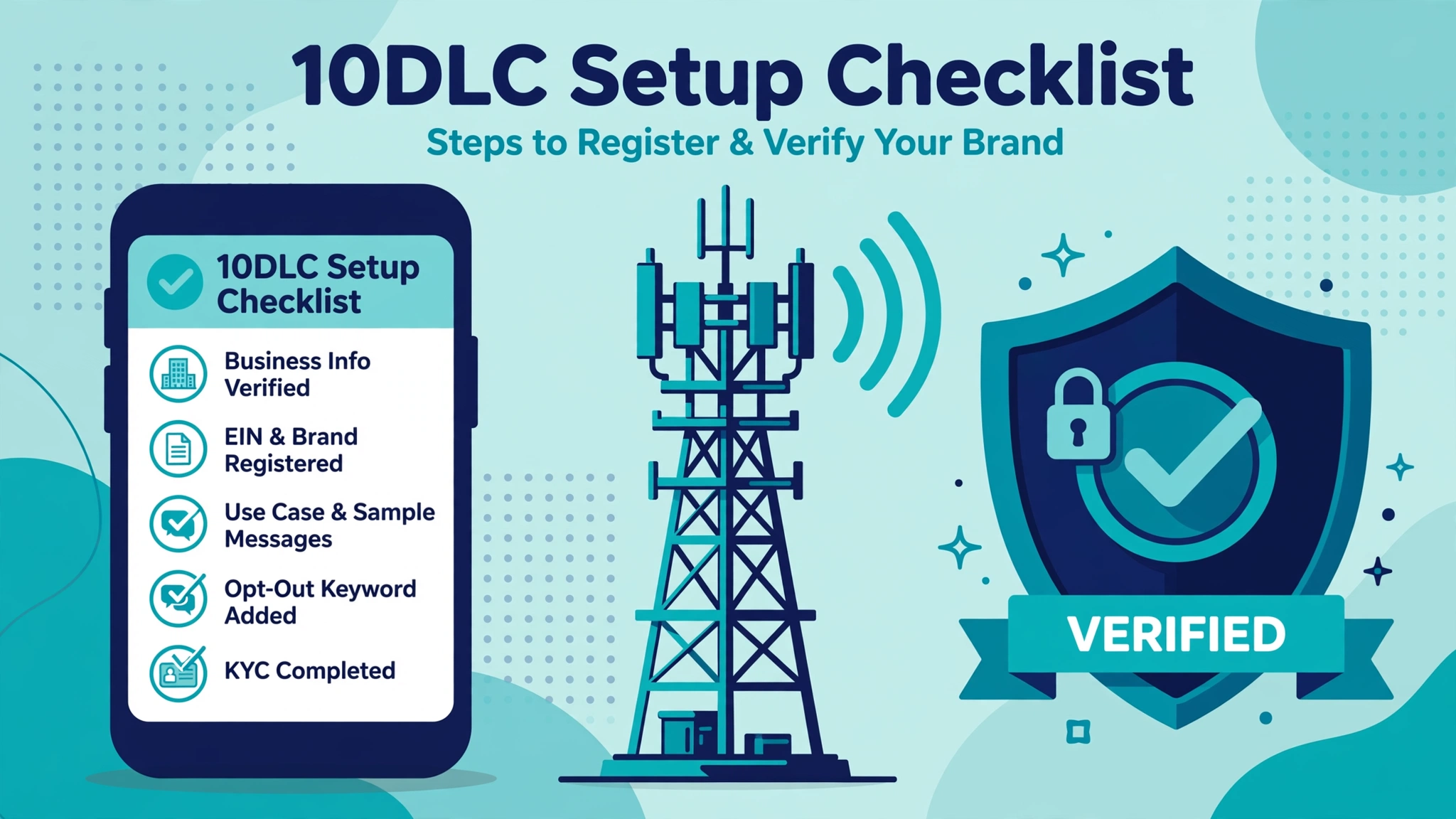
If you send SMS from a toll-free number in the US or Canada, that number has to be verified first. Since January 31, 2024, US carriers block messages sent from unverified toll-free numbers. Verification is free at most providers and usually takes a few business days. The paperwork is where most people get stuck. This guide covers the full process, what information you need, why submissions get rejected, and how it differs across Twilio, Telnyx, Bandwidth, and Plivo.
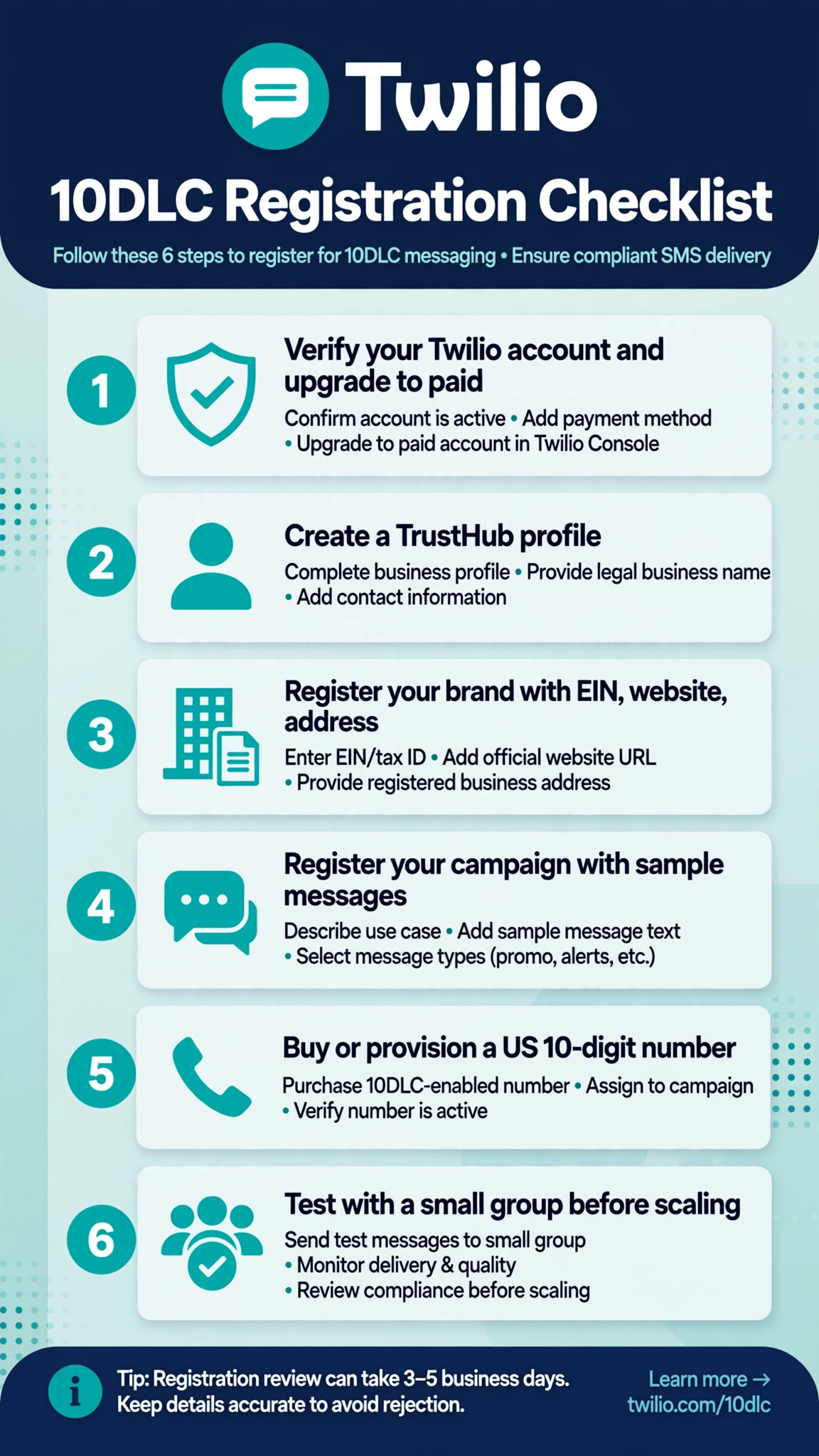
What toll-free verification is and why it is required
Toll-free verification (often shortened to TFV) is an industry review program that confirms who is sending messages from a toll-free number. You submit details about your business, your use case, and how recipients opted in. Your provider reviews the submission and forwards it to the carrier partners, who give final approval. The point is to keep spam and phishing off the network by making every toll-free sender identifiable.
Who needs to go through it
Anyone sending application-to-person messages from a US or Canadian toll-free number. That includes OTP codes, appointment reminders, delivery notifications, customer support messages, and marketing campaigns. Low volume does not exempt you. The requirement applies per number, not per account.
One number belongs to one business. A toll-free number cannot be verified for multiple businesses at once. If you are a reseller or agency, you verify on behalf of each end business separately, with one number per business.
The submission process, step by step
The screens differ by provider, but the sequence is nearly identical everywhere:
- Buy or assign a toll-free number in your provider account.
- Create your business profile with the provider. On Twilio this happens in Trust Hub; Plivo requires a profile before verification can start. Include legal business name, physical address, website, and a contact person.
- Start a new verification request for the number.
- Select your use case and describe it. Common categories include 2FA, customer care, marketing, account notifications, delivery notifications, fraud alerts, polling or voting, higher education, public service announcements, and security alerts.
- Add sample messages that match your stated use case.
- Estimate your monthly message volume. Providers give fixed tiers. Twilio offers tiers from 10 messages per month up to 10M+. Plivo offers tiers from 1,000 up to 10,000,000+.
- Document your opt-in method. Show exactly how recipients gave consent: web form, verbal consent, paper form, keyword text-in, or QR code. Link the public opt-in page, provide the full verbal script, or document the keyword workflow.
- Submit and track the status. Statuses look like pending review, waiting on you for edits, waiting on the carrier, approved, or rejected.
Business-profile requirements: what to have ready
Most rejections trace back to something missing here. Gather these before you start the form:
- Legal business name. Use the registered name, not a product nickname.
- Physical business address. Reviewers check it against public records.
- Working company website. It must be live, publicly accessible, and match your business name. A “coming soon” page, a password-protected site, or a domain that does not resolve is one of the most common rejection triggers.
- Contact person details. Full name, a real business email, and a phone number. On Twilio, the Trust Hub business profile should use a domain-based email address, not a free address like Gmail or Yahoo.
- Tax ID (EIN) for US businesses. Providers use it to confirm the business is real.
- Privacy policy and terms of service URLs. Plivo began enforcing public terms and privacy policy URLs for toll-free verification submissions in September 2026. Expect other providers to check for them too.
- Opt-in evidence. A live public URL for a web form, the actual script for verbal opt-in, scanned copies for paper forms, or a documented keyword workflow. A live page reviewers can click is stronger than screenshots.
- Sample messages with opt-out language. Include your brand name and STOP instructions, matching the tone of your declared use case.
For agencies and ISVs: submit the end-user business information, not your own. The business that owns the customer relationship and the messaging content is the one that must be verified. Putting your agency details in the business fields is a classic rejection.
How long approval takes
Timelines vary by provider and by how clean your first submission is:
- Twilio: approximately 3 to 5 business days, per Twilio’s own help documentation. Verification is free.
- Telnyx: normally 5 business days or less, per Telnyx’s support documentation. Their portal shows clear statuses for whether the ball is with Telnyx, you, or the carrier.
- Plivo: typically a few business days for clean submissions. If the carrier marks a request as needing updates, you get 6 days to respond before the request is closed and rejected.
- Bandwidth: comparable to the others, generally a few business days for clean submissions.
While your number sits in pending status, carriers apply stricter filtering to unverified traffic. Twilio notes that pending numbers face tighter filters with sending limits that are not guaranteed. The safe move is to hold campaigns until verification completes.
Common rejection reasons and how to fix them
Reviewers publish consistent rejection categories. Here are the ones that show up again and again.
Express consent not demonstrated. This is the top rejection reason. For marketing use cases, you need express consent: a standalone, clear agreement from the recipient to receive marketing messages. Consent buried in terms of service, a privacy policy, or a purchase transaction does not count. The opt-in must say who is sending, what kinds of messages, how often, that message and data rates may apply, and how to opt out (STOP) or get help (HELP). Fix it by rewriting your opt-in as a clear, separate step, then resubmit.
Business information could not be validated. Your name, address, or website did not check out against public records. Enter your legal name exactly as registered and keep the address and website current and consistent.
Website not live or not accessible. “Coming soon” pages, password-protected staging sites, and domains that do not resolve all get rejected.
ISV details submitted instead of the end user. If you build software for clients, the request must carry the end business’s name, address, contact, and URL.
One number tied to multiple businesses. Verification is 1 to 1 between a toll-free number and a business. Split businesses across separate numbers.
Link shorteners or insecure URLs in samples. Free public shorteners get flagged. Use your own branded domain or the full unshortened link, and make sure every link uses https.
Disallowed content. Some categories are not eligible and usually cannot be resubmitted: investment schemes promising returns, debt reduction or credit repair offers, third-party lead generation where personal data is shared outside the business the user opted in to, and federally illegal substances. Twilio also forbids high-risk financial services and third-party debt collection on toll-free messaging.
Opt-in evidence does not match the declared type. If you select web form but link a generic homepage, or select verbal consent without the script, it gets rejected.
Weak age gate. If your content is age-restricted, reviewers expect users to manually enter their birthdate, not a simple “are you 18+” button.
Most providers let you edit and resubmit after a rejection. Omnisend notes a 7-day window to edit and resubmit before the review resets to new-submission timing. Fix everything flagged, not just the first issue.
Provider differences worth knowing
All four providers enforce the same carrier rules, but the experience differs:
- Twilio routes verification through its Console or the Messaging Compliance API, with a Trust Hub business profile required first. Twilio quotes 3 to 5 business days and the service is free. Error 30032 flags messages blocked from restricted or pending numbers, and 30007 flags spam filtering on verified numbers. Verified numbers default to about 3 SMS segments per second throughput, which can be raised on request.
- Telnyx handles submissions through its portal or API, with statuses that show whether the ball is with Telnyx, you, or the carrier, plus webhook updates on status changes.
- Bandwidth exposes verification through its API and publishes detailed numbered rejection codes for opt-in and consent issues.
- Plivo requires a profile before verification, accepts one number per API request, supports multiple use cases in a single request, and uses the UPDATE_REQUIRED status when the carrier wants more information.
Post-verification monitoring
Getting verified is not the finish line. Carriers can re-filter or suspend a number that drifts off its approved profile.
- Stay inside your approved use case. Verifying for customer care and then sending promotional blasts will get the traffic flagged.
- Watch your opt-out rate. A rising STOP reply rate is the fastest signal something is wrong.
- Keep consent records current. If you change your opt-in flow or launch a new campaign type, document the changes.
- Monitor carrier error codes. Rejected or filtered messages come with specific codes (Twilio’s 30032 and 30007 are examples). Log them and investigate patterns.
- Keep STOP and HELP handling live. Carriers expect automated STOP and HELP responses to stay working.
- Do not casually resubmit. On Twilio and Telnyx, a new request for an already-approved number resets it to unverified until the review completes.
FAQ
Is toll-free verification required, or is it optional?
It is required. Since January 31, 2024, carriers block SMS and MMS from unverified toll-free numbers to US and Canadian subscribers. Every major carrier enforces it, so every provider does too.
How long does it take?
Twilio quotes approximately 3 to 5 business days, Telnyx says 5 business days or less, and Bandwidth and Plivo are in the same ballpark for clean submissions. Corrections add time.
How much does toll-free verification cost?
Twilio offers it free of charge, and most providers do not charge a verification fee. Number rental and message rates are separate costs, so check your provider’s current pricing.
Can I send messages while my number is pending verification?
Some providers allow limited sending in pending status, but carriers apply much stricter filtering, and Twilio notes that messages from restricted or pending numbers are blocked outright. Wait for approval.
Why was my toll-free verification rejected?
The most common reasons are weak or missing express consent, business details that could not be validated, a website that is not live, agency details submitted instead of the end-user business, link shorteners or insecure URLs, and disallowed content categories. Fix every flagged item and resubmit.
Can one toll-free number be verified for multiple businesses?
No. Verification is 1 to 1 between a toll-free number and a business. Each business needs its own verified number.
Does verification affect throughput?
Yes. Verified numbers get full A2P sending access with reduced filtering. Twilio defaults verified numbers to about 3 SMS segments per second, which can be increased on request. Pending or restricted numbers face tight limits and heavier filtering.
Do I need verification if I only send OTP codes?
Yes. The requirement covers all A2P messaging from toll-free numbers, including transactional traffic like OTPs. 2FA is one of the standard approved use cases.
Conclusion
Toll-free verification is one of the more forgiving registration programs in US messaging. It is free at major providers, approval typically lands within a few business days, and the requirements are straightforward: prove you are a real business, describe your use case honestly, show real opt-in evidence, and provide sample messages that match. Failures almost always trace to consent documentation or business details that do not check out. Get those two pieces right and verification becomes a one-round process.
This article is for informational purposes only and is not legal advice. Carrier rules and provider requirements change over time. Before submitting, confirm the current requirements in the official documentation from your provider and the relevant carrier guidelines.
Want this set up for you?
I build SMS chatbots and API integrations for businesses. If you would like what this guide describes, done for you, get in touch.