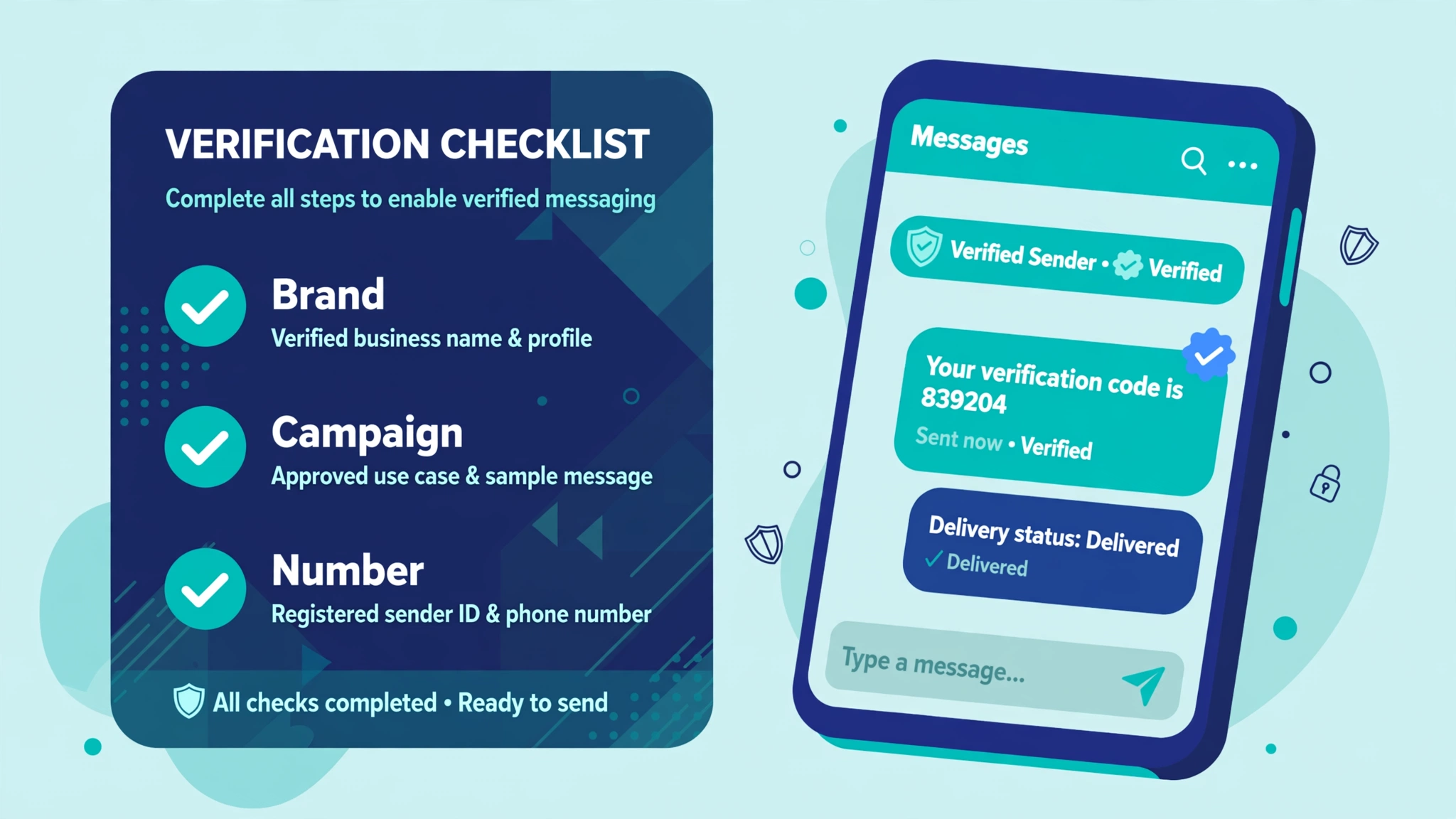
If you send automated texts to US customers from regular 10-digit phone numbers, US carriers require you to register first. No registration means blocked messages and extra fees. The process has three parts: register your business as a brand, register each messaging use case as a campaign, and attach your phone numbers to those campaigns. This guide walks the same registration through Twilio, Telnyx, and Plivo so you can compare the effort, not just read one vendor’s flow.
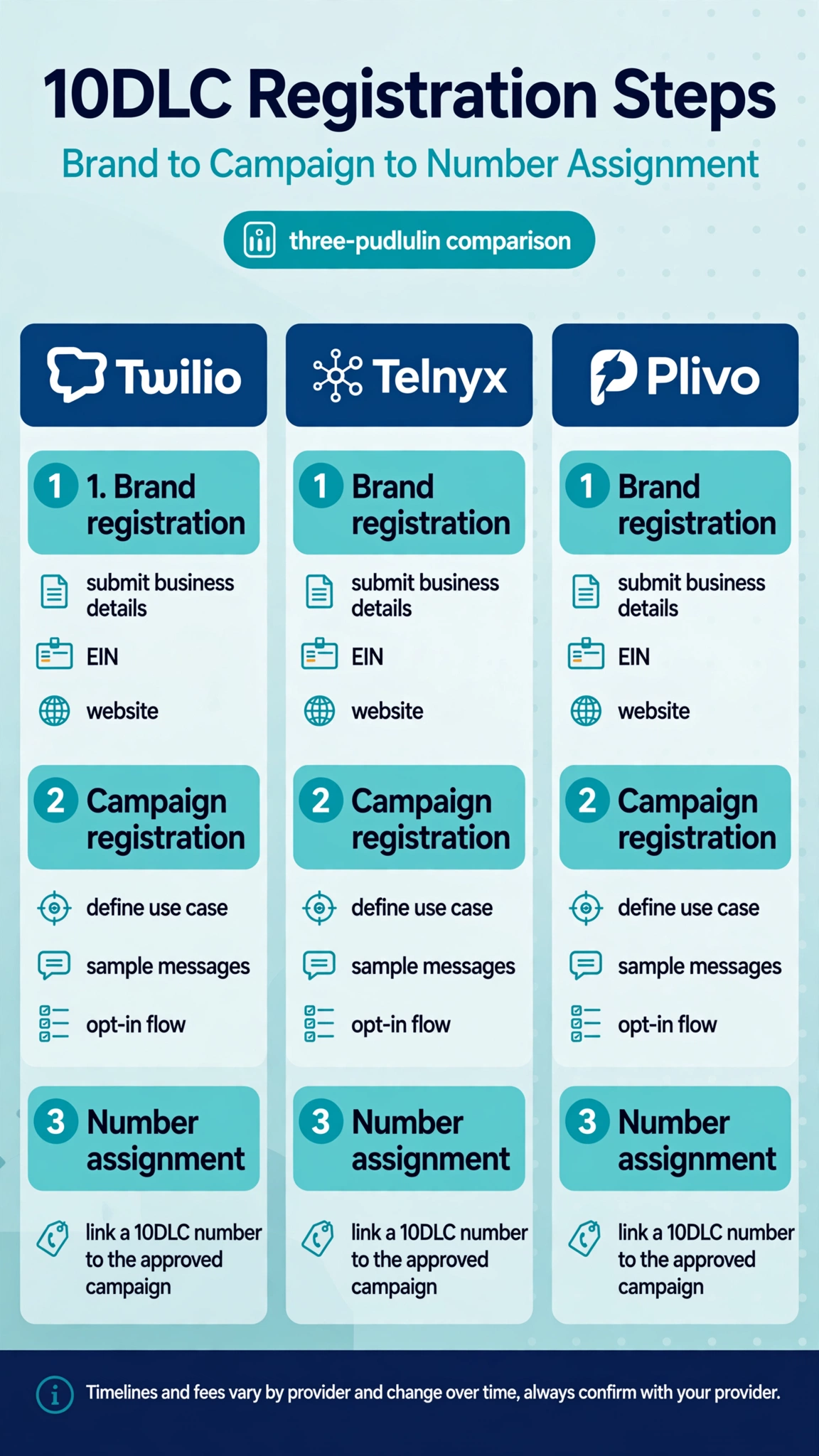
What registration actually is
Three linked records:
- Brand. Your business identity. Legal name, tax ID (EIN), address, website, and contact details. TCR checks that the business is real and gives it a trust score, which decides your throughput limits.
- Campaign. One specific thing you send texts for, like appointment reminders or delivery notifications. You describe the use case, show sample messages, and explain how people opt in and opt out.
- Number assignment. Your 10-digit phone numbers get linked to an approved campaign. Only then do they send with 10DLC throughput and without carrier filtering.
Unregistered numbers do not get a grace period anymore. On Twilio, sends from unregistered 10DLC numbers return error 30034 and the message never arrives. Carriers also charge higher pass-through fees on unregistered traffic. This is not optional paperwork.
The paperwork checklist
Gather the same core details before you open any console. Most rejections trace back to records that do not match.
- Legal business name, exactly as it appears on your tax documents
- EIN (nine-digit tax ID). Sole proprietors without one have a separate, more limited path
- Registered business address and contact phone
- HTTPS website with About, Contact, and privacy policy pages that mention text messaging
- Plain-language campaign description
- Sample messages that look like what you will actually send, with the opt-out instruction visible
- How people opt in (web form, keyword, checkout checkbox) and how they opt out (reply STOP)
Twilio: register in Trust Hub
Twilio runs 10DLC through Trust Hub, its compliance area inside the console:
- Go to Communications > Trust Hub > Registrations and open the A2P 10DLC area.
- Create a Customer Profile. This is your business identity inside Twilio. Sole proprietors pick the Starter Profile path. Established businesses use a Standard Profile with EIN.
- Create an A2P Trust Bundle to group your business documents for review.
- Register the brand. Submit legal name, EIN, address, vertical, and website. Brands get a SID starting with BN. Approval often completes quickly but can take up to 24 hours, and secondary vetting can stretch it to about a week.
- Create the campaign. Low Volume Mixed covers a blend of marketing and transactional traffic at lower volume. Standard use cases include Customer Care, Account Notification, and Appointment Reminders. Each campaign gets an ID starting with QE2 and a status that moves from In Progress to Verified, typically in about 7 business days.
- Link a Messaging Service to the campaign, then add numbers to the Messaging Service. Numbers in that service (SID starting with MG) are automatically associated with the campaign, and Twilio marks them as registered.
Twilio does not always publish the TCR schedule on its own pages, so confirm the current numbers in the console.
One practical note: once a number belongs to a Messaging Service, Twilio uses the Messaging Service’s webhook for inbound messages instead of the per-number webhook. If replies stop arriving after registration, check that first.
Telnyx: register in the console or by API
Telnyx gives you two real paths: a console flow and a proper API with an interactive CLI wizard.
Console path:
- Go to Messaging > 10DLC > Brands and click Create New Brand. Enter your business details and save.
- Go to Messaging > 10DLC > Campaigns and click Create New Campaign. Fill in the use case, description, sample messages, and opt-in details.
- Open the campaign, scroll to Assign Numbers, pick a Messaging Profile to load your numbers, and assign them.
API path (from Telnyx’s published guide; replace the example values):
# 1. Create a sole proprietor brand
curl -X POST "https://api.telnyx.com/v2/10dlc/brand" \
  -H "Authorization: Bearer $TELNYX_API_KEY" \
  -H "Content-Type: application/json" \
  -d '{"entity_type": "SOLE_PROP", "display_name": "My Business", "phone": "+15551234567",
       "email": "you@example.com", "street": "123 Main St", "city": "New York",
       "state": "NY", "postal_code": "10001", "country": "US"}'

# 2. Build a campaign for that brand
curl -X POST "https://api.telnyx.com/v2/10dlc/campaignBuilder" \
  -H "Authorization: Bearer $TELNYX_API_KEY" \
  -H "Content-Type: application/json" \
  -d '{"brandId": "brand-id", "usecase": "CUSTOMER_CARE"}'

# 3. Assign a phone number to the campaign
curl -X POST "https://api.telnyx.com/v2/10dlc/assignments" \
  -H "Authorization: Bearer $TELNYX_API_KEY" \
  -H "Content-Type: application/json" \
  -d '{"phoneNumber": "+15551234567", "campaignId": "campaign-id"}'
Telnyx also ships a CLI wizard (telnyx 10dlc wizard) that walks through brand, campaign, and assignment interactively. Reported timelines are brand approval in 24 to 72 hours and campaign review in 24 to 48 hours.
Plivo: profile first, then brand, then campaign
Plivo adds one step the others do not name as explicitly: you create a Profile before the brand. A profile holds your business information, and the brand is created from that profile:
- Go to Messages > 10DLC and click Register under the Standard option.
- Create a Profile with legal business name, EIN, business address, website, and an authorized contact. Your website must be HTTPS and should include About, Contact, Terms, and Privacy pages.
- Register the brand from the profile. Standard brands support up to 3 campaigns with 49 long code numbers per campaign. Plivo recommends opting in to vetting for higher throughput.
- Create campaigns for each use case (2FA, marketing, notifications, or a mixed campaign).
- Link numbers to campaigns. Each number can be linked to exactly one campaign.
Plivo publishes its fee table openly:
- Brand registration: $4.50 one time
- Brand vetting (optional): $41.50 one time
- Brand appeal: $11 one time
- Campaign vetting: $15 one time
- Campaign recurring: $10 per month, or $1.50 per month for low-volume campaigns billed quarterly
- Authentication Plus verification: $12.50 one time
Side by side: the same job on three consoles
| Step | Twilio | Telnyx | Plivo |
|---|---|---|---|
| Starting point | Communications > Trust Hub > Registrations > A2P 10DLC | Messaging > 10DLC > Brands | Messages > 10DLC |
| Identity record | Customer Profile, then Trust Bundle, then Brand (BN SID) | Brand directly (brand ID) | Profile first, then Brand from the profile (brand ID) |
| Campaign use cases | Low Volume Mixed, Customer Care, Account Notification, and others | 2FA, Customer Care, Delivery Notification, Account Notification, Mixed, and others | 2FA, Marketing, Notifications, Mixed |
| How numbers attach | Numbers go into a Messaging Service linked to the campaign | Numbers assigned to the campaign from the campaign page via a Messaging Profile | Numbers linked directly to campaigns, one number per campaign |
| Sole proprietor path | Starter Profile, one campaign, one number, lower limits | Sole prop brand with restricted use cases | Starter brand option |
| API-first option | API exists but console is the common path | Console, CLI wizard, and REST API all documented | REST API for profile, brand, campaign, and number linking |
Twilio leans on Trust Hub and Messaging Services, which is powerful at scale but adds a concept to learn. Telnyx is the most automation friendly, with a CLI wizard and API. Plivo publishes the clearest fee table and the most explicit website requirements.
How long approval takes
- Brand approval: often minutes to 24 hours. Telnyx reports 24 to 72 hours in practice. Secondary vetting can push it to about a week.
- Campaign approval: the slow part. About 7 business days on Twilio, 24 to 48 hours reported on Telnyx, and a general industry range of 3 to 7 business days. Edge cases and resubmissions stretch to two or three weeks.
- Number assignment: instant once the campaign is approved.
Plan for a full business week end to end, and do not schedule your first real send the same week you register.
Why registrations get rejected
The same mistakes cause most rejections across all three providers:
- EIN and legal name do not match tax records. Copy them exactly. A missing “Inc.” or a DBA name in the legal name field will bounce.
- The website is missing or weak. No HTTPS, template placeholder content, or missing About, Contact, and Privacy pages. The reviewer actually opens your site.
- Vague campaign descriptions. “We send messages to our contacts” tells the reviewer nothing. Say what the messages do and who receives them.
- Sample messages do not match the description. If you describe appointment reminders, your samples should be appointment reminders, not promotions.
- No visible opt-in. You need to show how subscribers consented and how they can stop. Missing opt-out language is one of the most common single rejection reasons.
A rejection is not free. Resubmission costs another vetting fee and resets your place in the carrier queue.
FAQ
How long does 10DLC registration take?
Plan on three to seven business days end to end. Brand approval is the fast part. Campaign approval is the long pole, running roughly one to two weeks on some providers. Resubmissions after rejection add several more days.
What do I need to register for 10DLC?
Legal business name, EIN, registered address, contact email and phone, an HTTPS website with a privacy policy, a plain-language campaign description, realistic sample messages, and documented opt-in and opt-out flows.
Do I need a website for 10DLC registration?
Effectively yes. Reviewers open your site and check that it matches your registered business and publishes the required policy pages. A public business listing can sometimes stand in, but a real site is the safer path.
Can a sole proprietor register for 10DLC?
Yes, where the provider offers it. Limits are tighter: usually one campaign, one number, restricted use cases, and low throughput (Twilio’s sole prop package is roughly 3,000 segments per day at 1 message per second).
What happens if I skip registration?
Carriers block or filter unregistered 10DLC traffic. On Twilio you get error 30034. The messages look sent on your side and never arrive. You also pay higher carrier surcharges on unregistered traffic.
Does registration transfer if I switch providers?
No. It is tied to the provider that filed it. If you move providers, you resubmit brand and campaign through the new one. The details are the same, so the second filing is mostly a copy exercise, but it goes through carrier review again.
What does 10DLC registration cost?
TCR sets the fee schedule and providers pass it through. Roughly: $4.50 one time for brand registration, $15 for campaign vetting, and $1.50 to $10 per month per campaign depending on class. Treat every figure as volatile and confirm current pricing in your provider’s console before budgeting.
Watch how this works in practice. This walkthrough covers the setup step by step:
The short version
Registration is the same three steps everywhere: brand, campaign, numbers. The provider choice comes down to workflow. Twilio fits if you already live in its ecosystem and want Messaging Services managing your numbers. Telnyx fits if you want a CLI and API that register everything without touching the console. Plivo fits if you want published pricing and explicit guidance on what the website review expects.
Do the paperwork once and do it carefully. Exact business details, a real website, concrete sample messages, and visible opt-in language are what separate a one-week approval from a three-week back-and-forth with the reviewer.
This guide explains carrier registration rules, not legal advice. TCR rules, fees, and timelines change, so confirm current requirements in your provider’s official documentation before you file.
Want this set up for you?
I build SMS chatbots and API integrations for businesses. If you would like what this guide describes, done for you, get in touch.